-
Shop
- Adidas
- Advanced Technologies
- AI Skills
- AI Skills Mastery 2026 Collection
- Bathroom
- Best-Sellers
- Calvin Klein
- Car Accessories
- Confidence
- Dating & Social Skills
- Digital Resources
- AI & Technology
- Beauty
- Car Buying & Ownership
- Cozy Feast Collection
- Electronics & Technology
- Financial Education
- Hobbies
- Home Styling & Organization
- Kitchen & Recipes
- Mindset
- Online Business
- Parenting & Child Development
- Personal Style & Fashion
- Pet Lifestyle & Wellness
- Smart Life with AI
- Travel Planning
- Wellness
- Yoga & Fitness
- Education & Learning
- Family & Parenting
- Fashion
- Alexander McQueen
- Bags
- Bags & Wallets
- Balenciaga
- Belts
- Blazers
- Blouses & Shirts
- Bottega Veneta
- Brunello Cucinelli
- Burberry
- Chanel
- Chloé
- Dior
- Dolce & Gabbana
- Dresses
- Etro
- Fendi
- Gucci
- Hats & Hair Accessories
- Jacquemus
- Jewelry
- Jil Sander
- Keychains
- Kiton
- Luggage
- Luggage Bags
- Miu Miu
- Off-White
- Outerwear
- Prada
- Rick Owens
- Saint Laurent
- Scarves
- Shoes
- Socks & Tights
- Sunglasses
- The Row
- Tom Ford
- Valentino
- Valentino Garavani
- Versace
- Vivienne Westwood
- Watches
- Fashion Accessories
- Furniture
- Gadgets
- Health & Beauty
- Health & Wellness
- Home & Garden
- Home Decor
- Home Electronics
- Home Supplies
- Kids & Babies
- Kitchen
- Kitchen Best-Sellers
- Lighting
- Online Business for Beginners
- Patio, Lawn & Garden
- Personal Growth
- Pet Care
- Pet Supplies
- Pets
- Smart Amazon Shopping
- Smart Home Living Guides
- Sport & Outdoors
- Stress Relief & Relaxation
- Super Deals
- TikTok Growth & Monetization Mastery
- Travel
- Travel & Adventure
- Wealth
- Wealth Building
- Budgeting & Saving
- Cryptocurrency Investing
- Debt Management
- Entrepreneurship & Business Growth
- Family Finance & Budgeting
- Financial Independence
- Financial Mindset & Psychology
- Financial Planning
- Frugal Living & Expense Hacks
- Goal Setting
- High-Income Skills
- Investing Basics
- Leadership
- Motivation
- Networking & Mentorship
- Passive Income Strategies
- Real Estate Investing
- Side Hustles
- Stock Market Investing
- Popular
- Best deals
- Blog
Amazon Renewed Inspection Checklist: Test & Document Fast
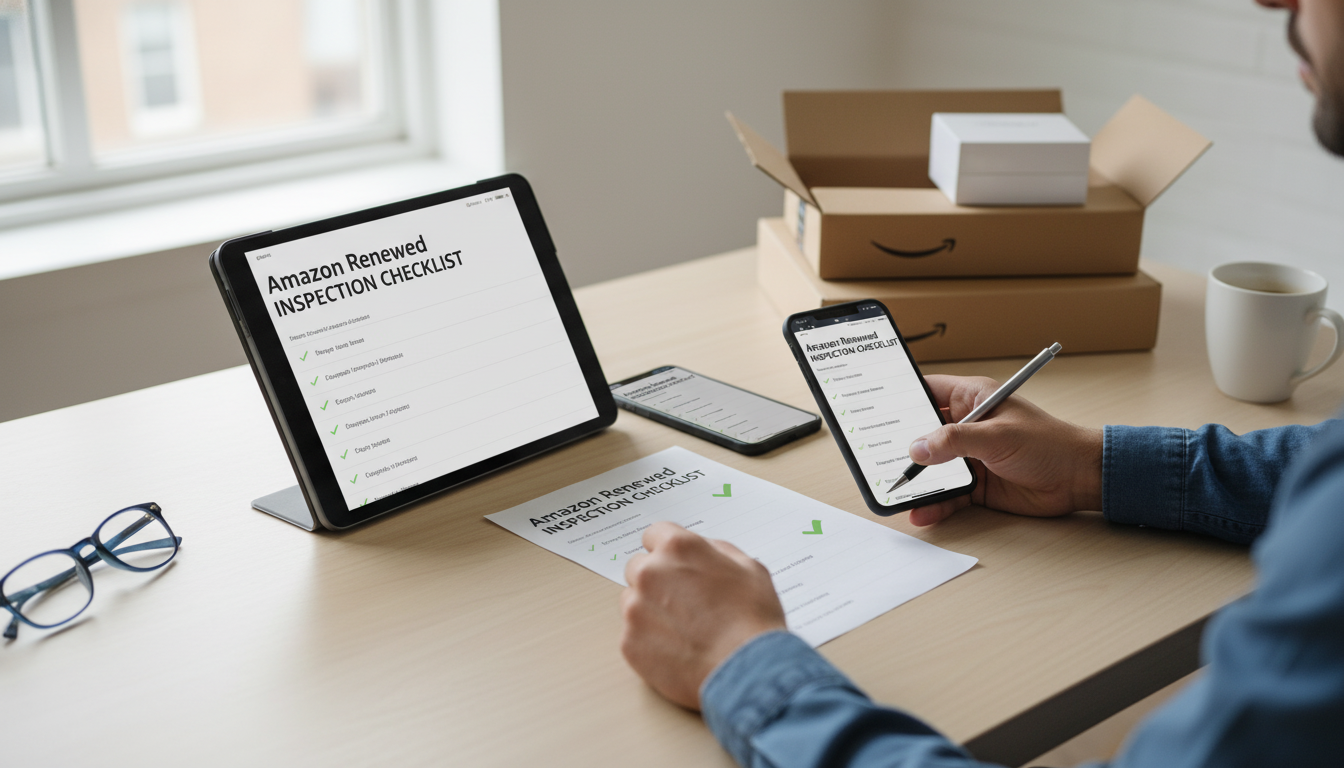
Amazon Renewed Arrival Inspection Checklist (Fast, Thorough, and Easy to Document)
Amazon Renewed items can be excellent values, but the difference between “like new” and “needs to go back” is often discovered in the first 30 minutes after delivery. A repeatable inspection routine helps confirm condition, verify included accessories, spot hidden damage, and document evidence while return windows and Renewed guarantees are still on your side. The goal is simple: confirm the product matches the listing condition, performs as expected, and is safe to keep—without relying on guesswork. Use a structured checklist to move from unboxing to functional testing to documentation, so any problems are caught early and handled cleanly. For more guidance, see Amazon’s Antitrust Paradox – Yale Law Journal.
Before the box is opened: set up a clean inspection workflow
Do the inspection as soon as the package arrives, ideally the same day. Waiting “until the weekend” is how small issues turn into stressful return deadlines. For further reading, see [PDF] ARKANSAS DRIVER LICENSE STUDY GUIDE.
- Inspect immediately: don’t delay past key return or replacement windows.
- Gather tools: phone camera (photo/video), microfiber cloth, flashlight, charger/cable you trust, SIM eject tool (phones), known-good peripherals (USB drive, headphones), and a notepad.
- Choose a bright surface: a clean table under strong light makes scratches and dents easier to spot.
- Record unboxing for high-value items: a continuous video is especially helpful for fragile electronics, cameras, and laptops.
- Keep everything: outer box, inner packaging, inserts, labels, and protective films until you decide to keep the item.
- Pull up the order details: confirm model, color, capacity, included accessories, and any condition notes in the listing.
Unboxing and packaging checks: signs of mishandling or missing parts
Your first evidence is the packaging. Even if the device looks fine, poor packing can explain later failures—and supports your return case if damage occurred in transit.
- Photograph the shipping box: dents, punctures, water stains, crushed corners, or heavy re-taping.
- Check internal protection: padding, foam, air pillows, or molded trays; note if the product could slide around.
- Count accessories before powering on: charger, cable, case, manuals, stylus, adapters, remote, batteries, or mounting hardware (depending on the product category).
- Look for serial/label mismatches: if packaging labels don’t match the device (when applicable), support or warranty steps can get messy.
- Document signs of heavy prior use: torn seals, missing protective films, grime, odors (smoke or chemicals), sticky residue, or corrosion-looking spots.
For an overview of program expectations, reference Amazon Renewed (program overview and standards).
Cosmetic condition: verify “like new” with a systematic scan
Cosmetic issues aren’t always “just cosmetic.” A deep dent can hint at a drop; a bent port can cause charging problems later. Use a consistent scan pattern so you don’t miss anything.
- Under direct light: inspect all surfaces for scratches, chips, dents, discoloration, or uneven gaps.
- Start with corners and edges: impact damage shows here first.
- Check ports and connectors: bent pins, debris, looseness, or corrosion.
- Screens and lenses: look for micro-scratches, pressure marks, dead pixels, haze, and coating wear; a white screen image and a flashlight reflection test help.
- Wearables: examine strap attachment points, crown/buttons, speaker holes, and sensors for buildup or damage.
- Write a quick condition rating: “pristine,” “minor hairline marks,” or “visible scuffs,” plus close-up photos.
Power, battery, and charging: confirm safe and stable operation
Power and charging tests reveal the most urgent problems. If anything suggests a safety issue, stop using the device immediately and move straight to documentation and return steps.
Functional tests by device type: audio, display, buttons, wireless, and sensors
Quick pass/fail checks (printable summary)
| Area | What to check | Pass criteria | If it fails |
|---|---|---|---|
| Packaging | Damage, missing inserts, poor protection | No major damage; contents secure | Photograph; keep all materials; request replacement/return |
| Cosmetic | Scratches, dents, gaps, port condition | Matches “like new” expectations | Photo close-ups; compare to listing; decide keep/return |
| Power/Charging | Boot stability, charging consistency, heat | Stable boot; charges normally; no abnormal heat | Stop use if safety issue; document; return |
| Display/Touch | Dead pixels, discoloration, ghost touch | No defects during tests | Record video evidence; request exchange/return |
| Audio/Mics | Speaker crackle, mic distortion | Clear sound; no dropouts | Test with different apps; document; return if persistent |
| Wireless | Wi‑Fi/Bluetooth reliability | Connects quickly; stable connection | Reset/network test; document; return if unreliable |
| Accessories | Correct charger/cables/adapters | All required parts present and functional | List missing items; contact support or return |
Account status, locks, and reset checks (especially for phones, tablets, and laptops)
Documentation and next steps: make returns or replacements painless
For general policy details, review the Amazon Return Policy (general guidance).
Helpful downloads for a faster, calmer inspection
- Printable Amazon Renewed inspection checklist (digital download)
- The No-Phone Morning Ritual Checklist (digital download)
FAQ
How long should the inspection take after an Amazon Renewed item arrives?
Plan for 15–45 minutes depending on the device, and do it immediately after delivery. Prioritize damage/packaging photos, charging stability, core functions (display, audio, wireless), and any account/activation lock checks.
What are the biggest red flags that mean a Renewed product should be returned right away?
Return right away for battery swelling/overheating, burning smells, activation locks/MDM profiles, intermittent charging, repeated crashes/restarts, severe cosmetic damage, missing critical accessories, or water-damage indicators. If it’s a safety concern, stop using the device and document it before repacking.
Should the packaging look brand new for Amazon Renewed purchases?
Not necessarily—Renewed items may arrive in non-retail or reboxed packaging—but it should still be protective and appropriate for shipping. If packaging is poor and you suspect transit damage, photograph everything before removing the product and keep all materials for the return.
Recommended for you



AI Burnout Awareness Toolkit: 14-Day Check-In Plan
May 28, 2026













Leave a comment